NEW Feature - Engage Calendar
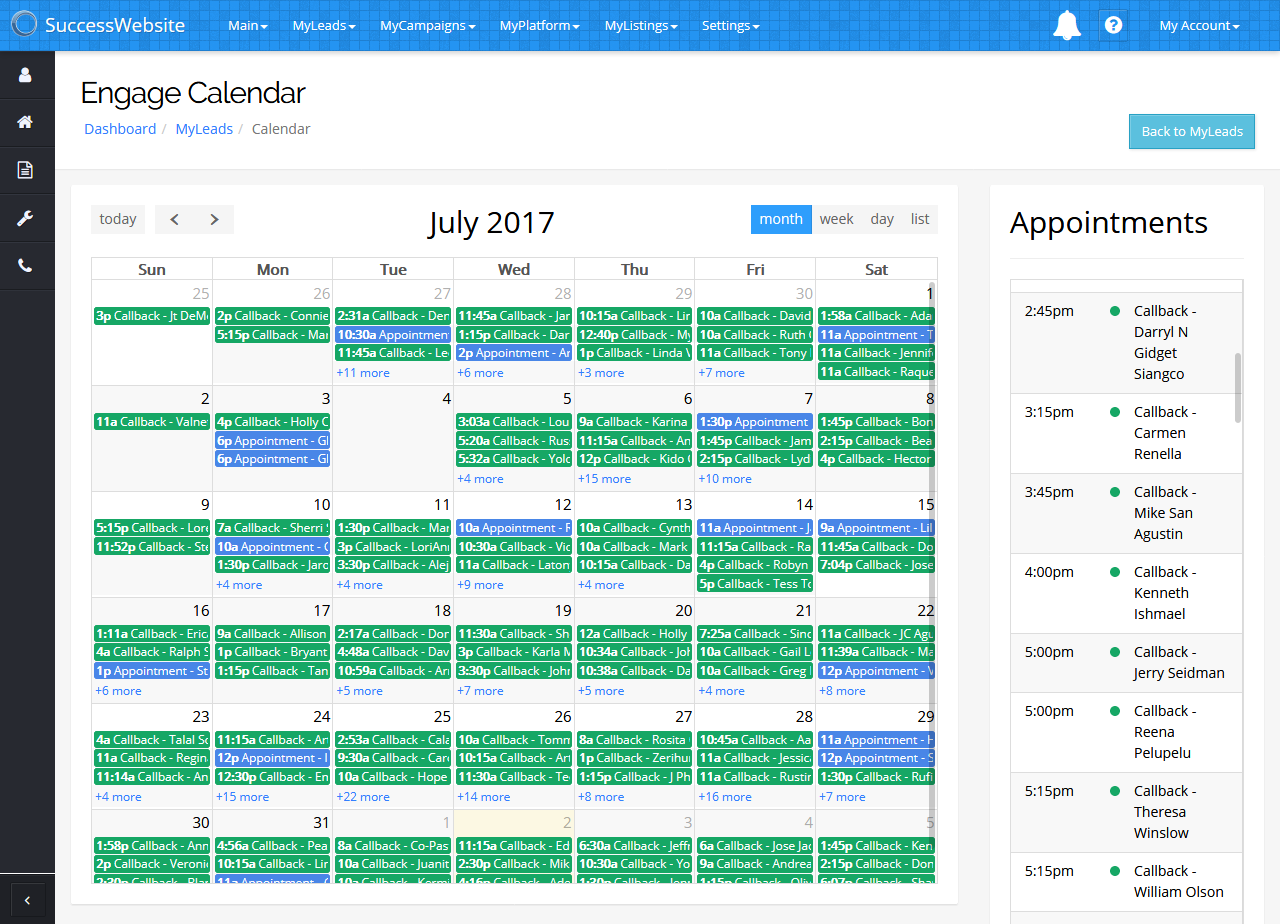
Visually organize your follow-up activities
Preview and plan your daily follow-up
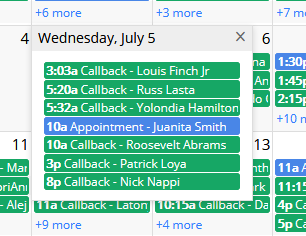
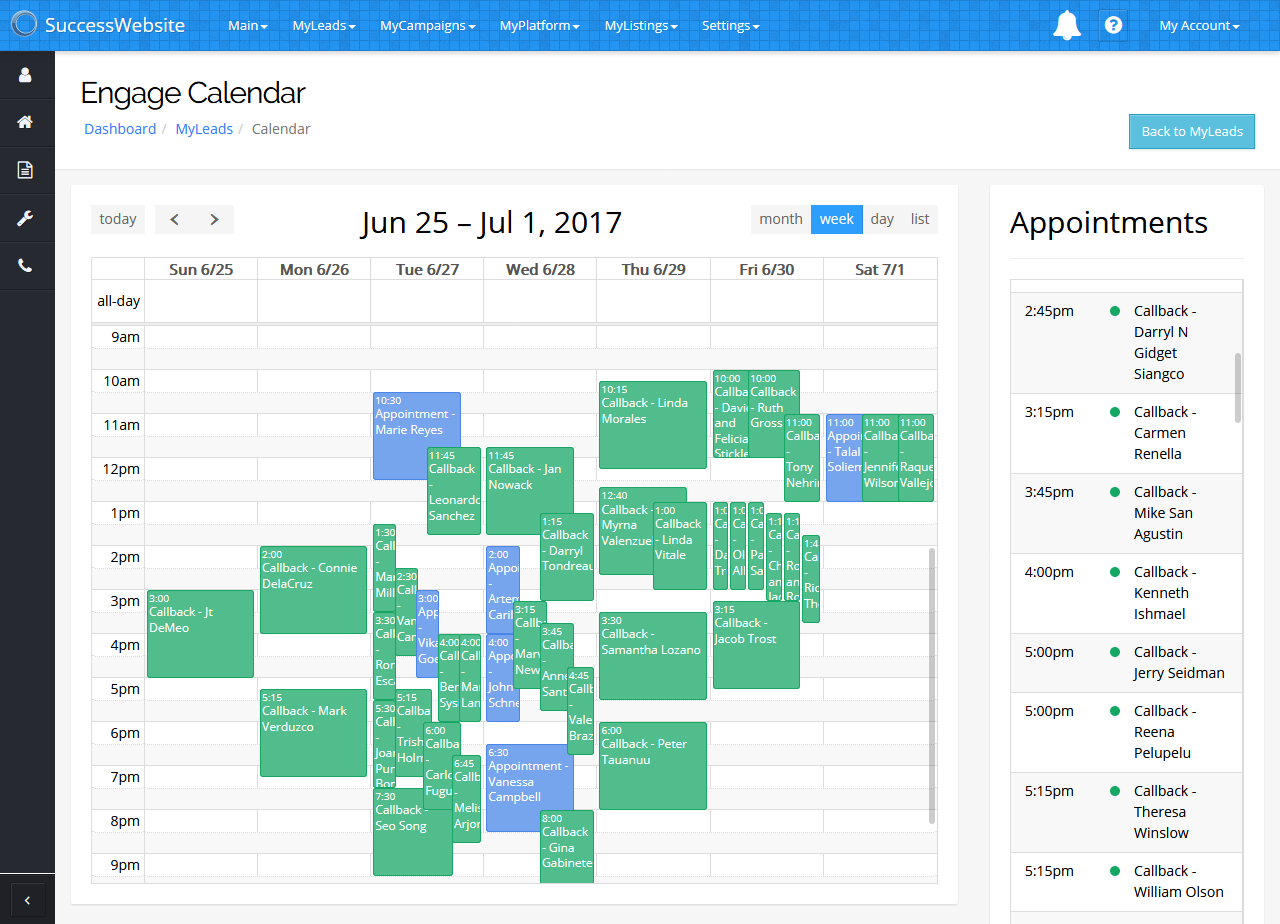
Engage Calendar lists all of your upcoming callbacks and appointments in both calendar and agenda views.
Fully integrated with SuccessEngage
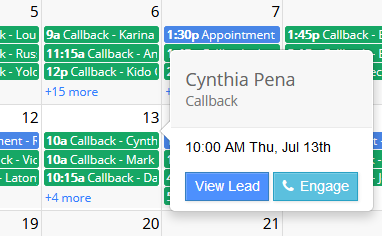
Quickly view specific lead details prior to a call or appointment. Send leads directly to the SuccessEngage phone queue. Schedule leads into call blocks and open all callbacks in the phone queue (coming soon).
Shared Team Calendars
Teams can choose to keep separate calendars, or grant access to a shared view so everyone's follow-up is on the same page.
Google Calendar Integration
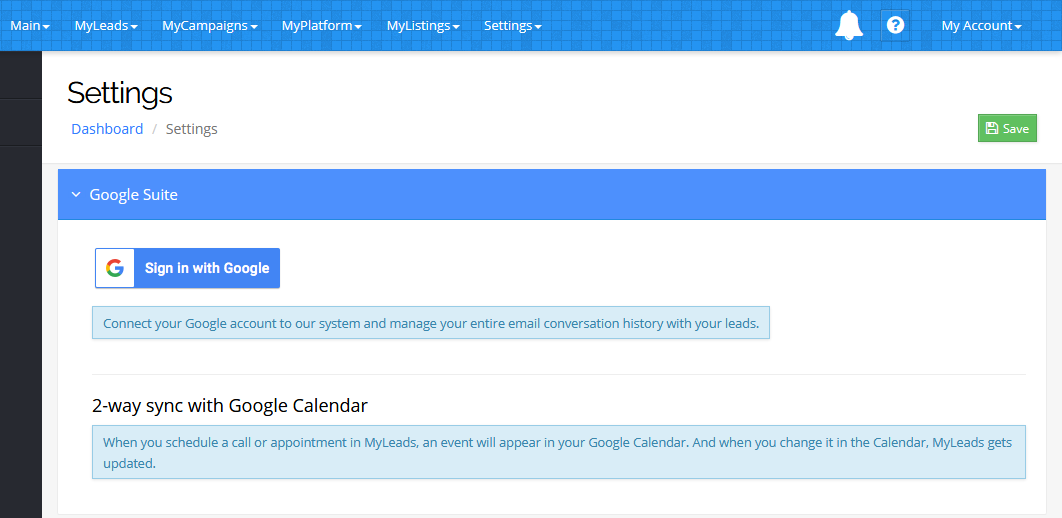
Connect your MyLeads CRM to Google's G Suite for two-way sync of all your follow-up and other events (and Gmail integration with SuccessEngage).